Description
Introducing to bat tool, an “enhanced” clone of cat, which offers syntax
highlighting and colouring, supports multiple languages and integrates with Git!
It’s a tool available under an open-source licence, either MIT or Apache 2.0 licence, wrote since several years (4y, at the time of writing this article).
Note: Prefers to use a terminal capable of handling a 24-bit colour palette properly.
- Officiel repository: https://github.com/sharkdp/bat
Installation
Regardless you’re using either Linux or *BSD, the package to be installed is
bat.
- on Debian: the binary is
batcat - on OpenBSD :
bat!
Configuration
You can generate a file config, as instance:
:$ bat --generate-config-file
To use truecolor or 24bit on the terminal, add the environment variable:
COLORTERM :
if [ -x $(command -v bat) ]; then
    export COLORTERM="truecolor" # or "24bit"
fi
(For Debian/*Buntu, change the binary name!)
Utilisation
One using case is to combine with others tools, like git, find, man, etc.
find
To use bat with find:
find … -exec bat {} +
where ‘…’ represents the search term.
git
bat can show you the git diff, by highlighting term, whilst maintaining the
indentation.
Make a batdiff function:
batdiff() {
    git diff --name-only --relative --diff-filter=d -z | xargs -0 bat --diff
}
man
Add the MANPAGER environment variable:
export MANPAGER="bat -pl man"
Of course, it’s possible to implement any feature supported by bat tool.
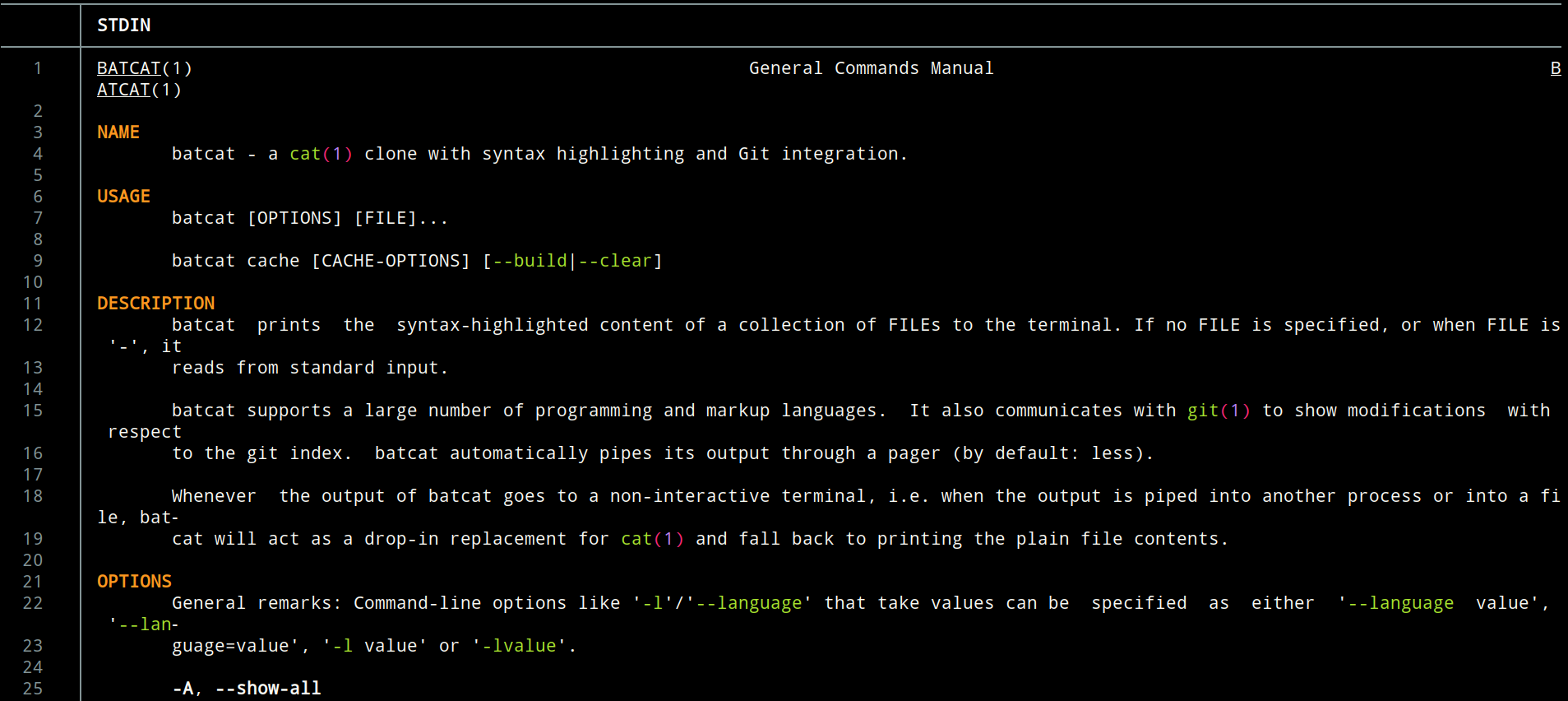
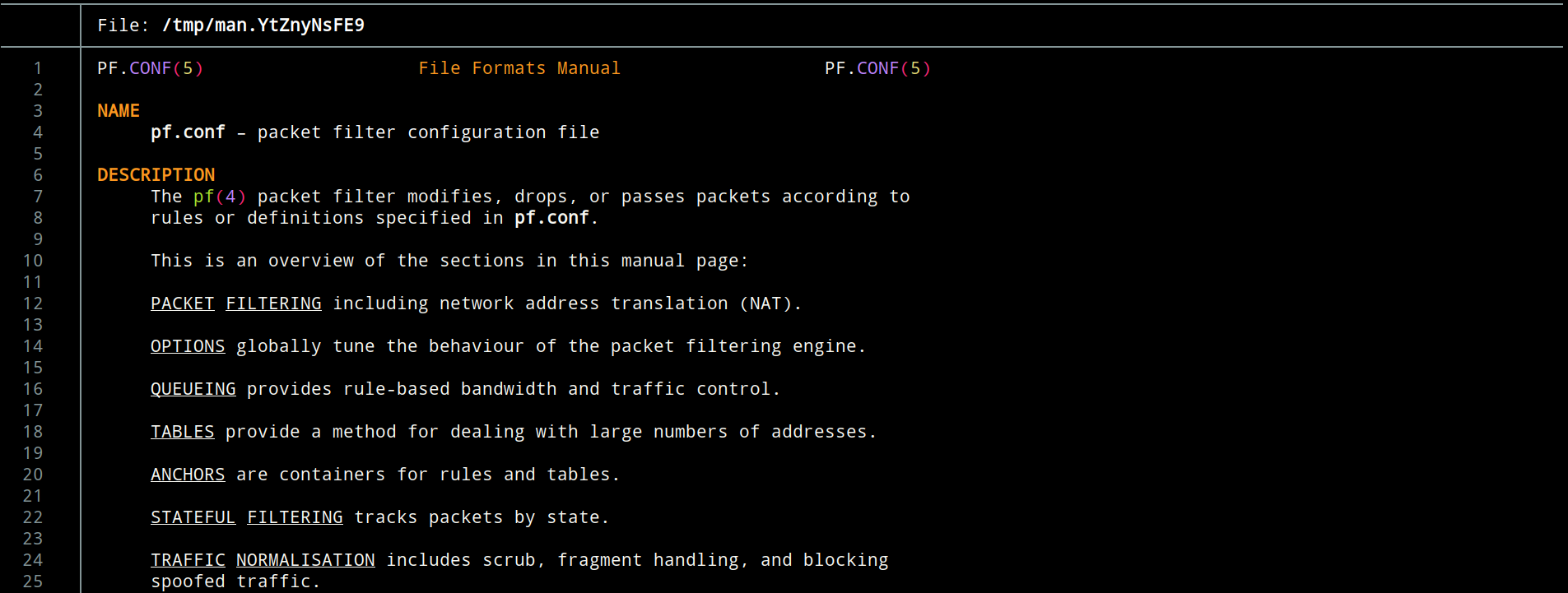
And finally, call simply (the best) man:
- Debian :
man batcat
- OpenBSD :
man pf.conf
Tip
You will notice that the output also contains ANSI escape characters or symbols, which are incomprehensible to us, humans.
Pipe col to bat:
man() {
    sh -c "man '$@' | col -bx | bat -l man"
}
And use simply man. (always the best).
Documentation
- A cat(1) clone with syntax highlighting and Git integration: https://github.com/sharkdp/bat
- Bash scripts that integrate bat with various command line tools: https://github.com/eth-p/bat-extras
- Pipe man into col -b to get rid of ^H
- Anatomy of a Terminal Emulator
Acknowledgements
- Wesley: @obj@bsd.cafe
- Justine Smithies: @justine@snac.smithies.me.uk